Change Password
Administrators can change their password.
What do you want to do?
Tasks in this Topic Include:
Related Tasks:
Password Fields
These are the available parameters used to configure a Password.
|
Password Fields |
Description |
|---|---|
| Old Password | Enter the old password. |
| New Password | Enter a new password. |
| Confirm Password | Re-enter the new password. |
| Save | Saves the changes. |
| Cancel | Cancels the changes. |
Change a Password
To change your password:
- Select Setup
> Change Password in
the left-navigation menu.
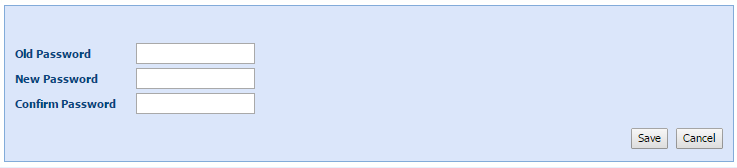
- Enter your Old Password.
- Enter a New Password.
- Re-enter the password to Confirm Password.