Live Call Observing
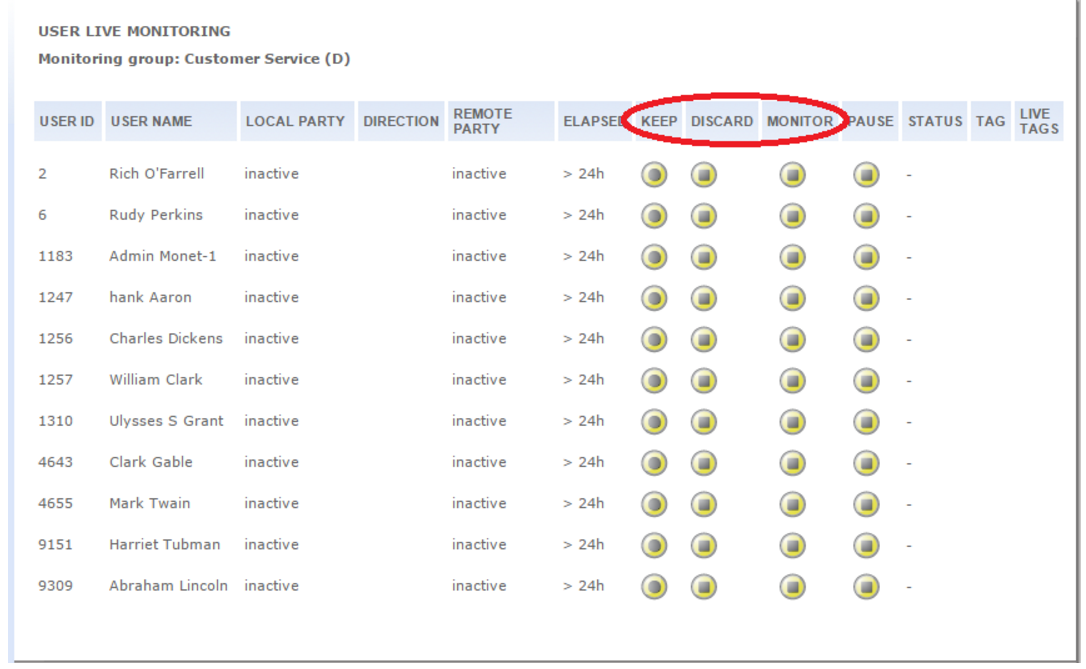
Supervisors can observe live calls as desired to monitor agent performance. To monitor a call live go to the Live Observing link and select a group. If there are any ongoing calls, the local and remote party extensions will be displayed, and a play button will be activated, to enable listening to the call in real time.
Clicking on the keep button will save the recording regardless of any program settings that may have been configured for the particular type of call. The discard button will delete the call from the system, regardless of program configurations.
Both the keep and discard buttons may be activated before an operator begins a call, and will apply to the next call that the operator takes. After a call is ended, the buttons are reset to the off state, in which the original program configuration prevails.
What do you want to do here?
Tasks in this Topic Include:
Related Tasks:
Monitor a Live Call
To monitor a call live:
-
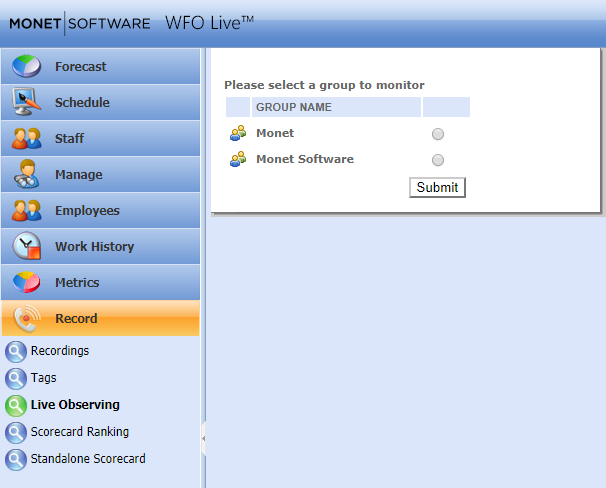
Select Record from the left-navigation menu and then select Live Observing.
-
Select the radio button of a group to monitor and the select Submit.
-
Select Monitor to listen to the live call of an agent.
-
Select KEEP button to save the recording regardless of any program settings that may have been configured for the particular type of call. The DISCARD button will delete the call from the system, regardless of program configurations.
-
Selecting the MONITOR button to monitor a call will automatically add a Monitored tag to it for easy retrieval in the browse page. Use the PAUSE button to pause the recording as desired.
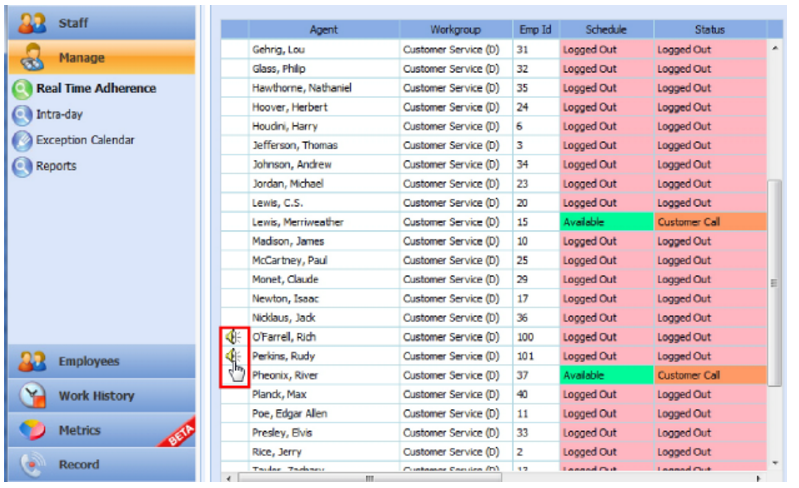
- The Employee Recordings pop-up window appears. From this the administrator can live monitor.
